Light Curtain
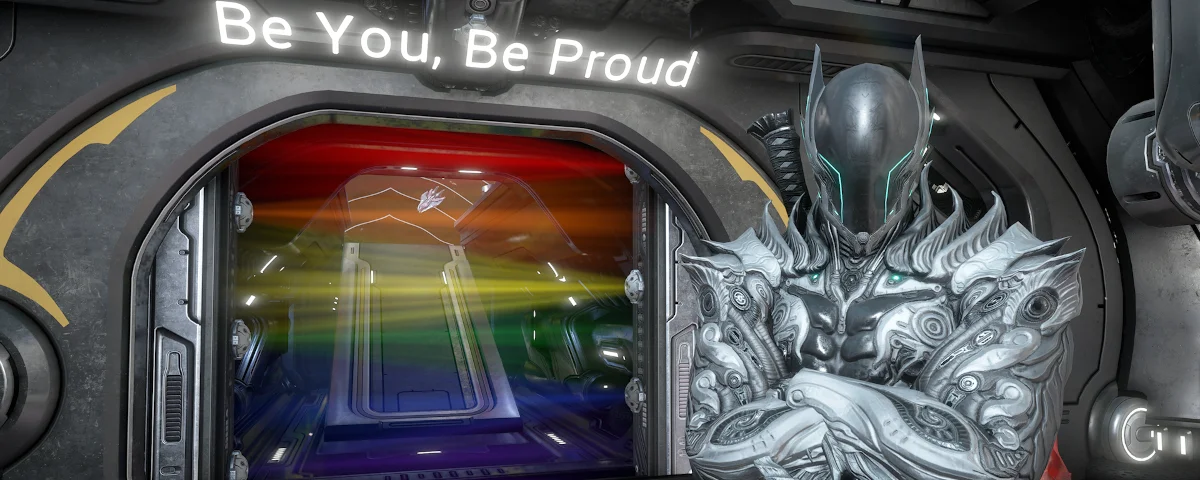
A few years ago I came up with this crazy idea to make what I like to call a "light curtain". I was decorating the orbiter and going through my inventory and saw note beacons. My original intent was to just create a beam of light without the text to make like a spotlight. As I was going through the colors I realized I could use it to make a pride flag instead and thus the light curtain was born! I decided the doorway of the orbiter was a perfect spot for it and posted my idea on Twitter. DE saw it and absolutely loved it and has featured it during pride month many times. The image below shows an example with the most commonly asked for designs.
*UNFORTUNATELY THIS NO LONGER WORKS ON NINTENDO SWITCH 1 BUT IT DOES FOR SWITCH 2!
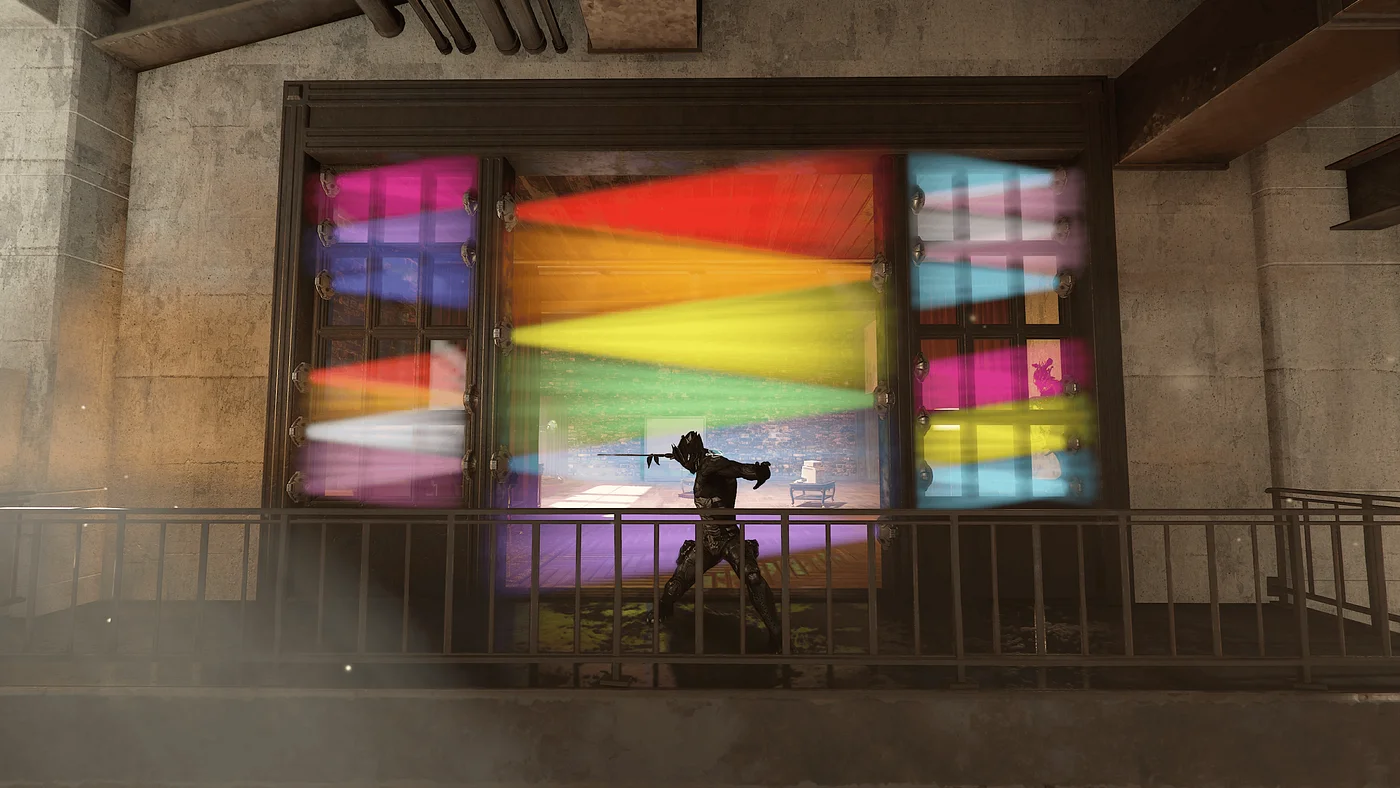
Here is a step by step guide to make a light curtain in your orbiter or other locations. You may have to adjust the length of the beam to fit wider doors.
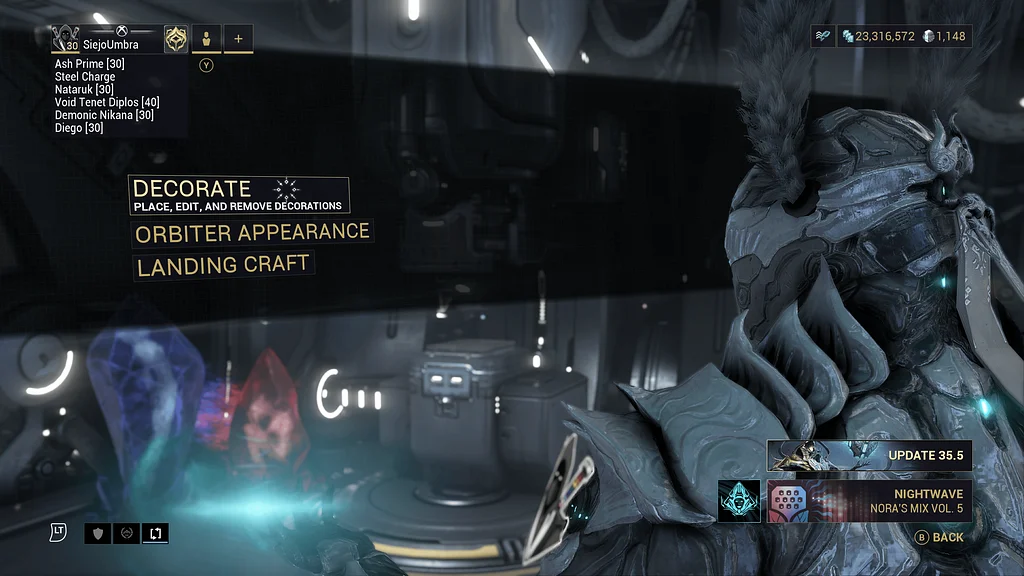
Navigate to the decoration menu: Equipment > Orbiter > Decorate.
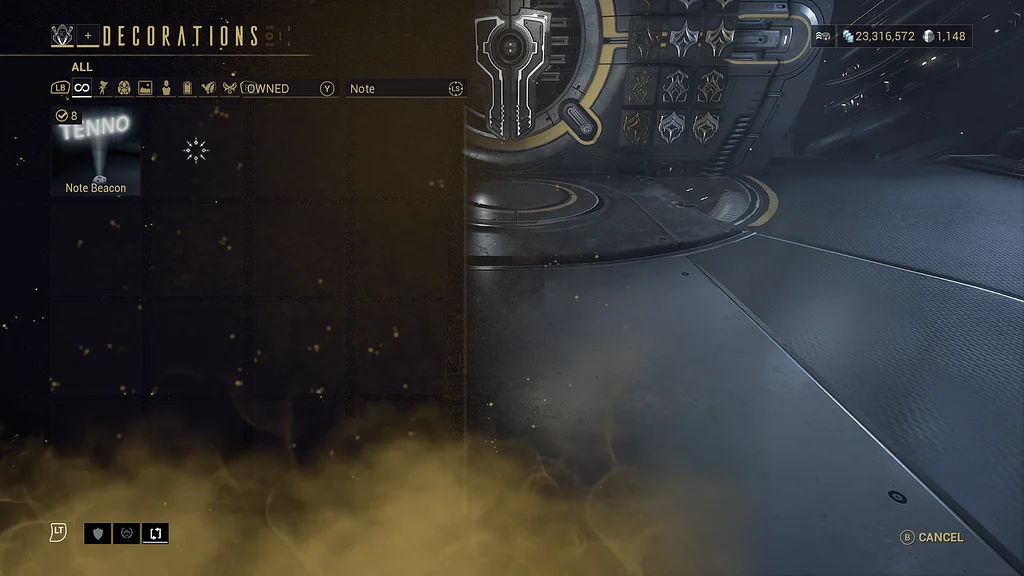
In the search bar enter in "Note" and the note beacon should pop up. They are 35 plats each and most of the flags take 5-6 beacons.

After placing the note beacon in the desired location edit decoration contents and select any color you want, set the intensity to 1, adjust the length to fit (3 works best for the orbiter doorway), then edit text and simply clear the field. The rest of the settings don't matter unless text is being added.
